Documentation Index
Fetch the complete documentation index at: https://docs.vidopix.com/llms.txt
Use this file to discover all available pages before exploring further.
SurveyCine product flow
Video-Based Research – For Researchers & Insights TeamsLaunch video surveys, ask PIXI about responses, and understand emotion, sentiment, and intent within hours—not weeks.
- Get authentic reactions on video without traditional panel lag.
- Ask PIXI for synthesized learnings across multiple surveys or respondents.
- Perfect for market research, product testing, and candidate screening.
Visual flow with screenshots
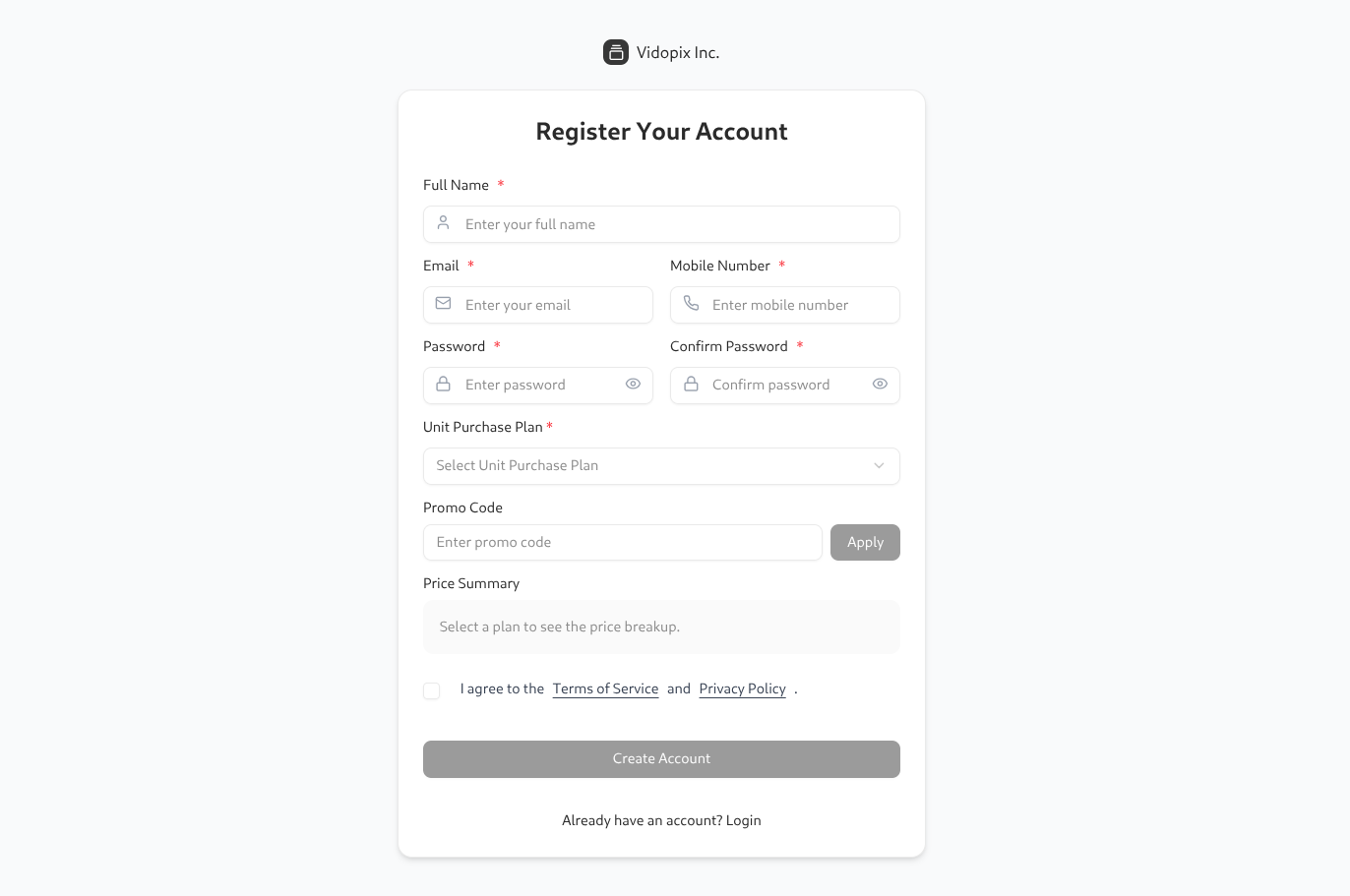
1. Authenticate and enter SurveyCine
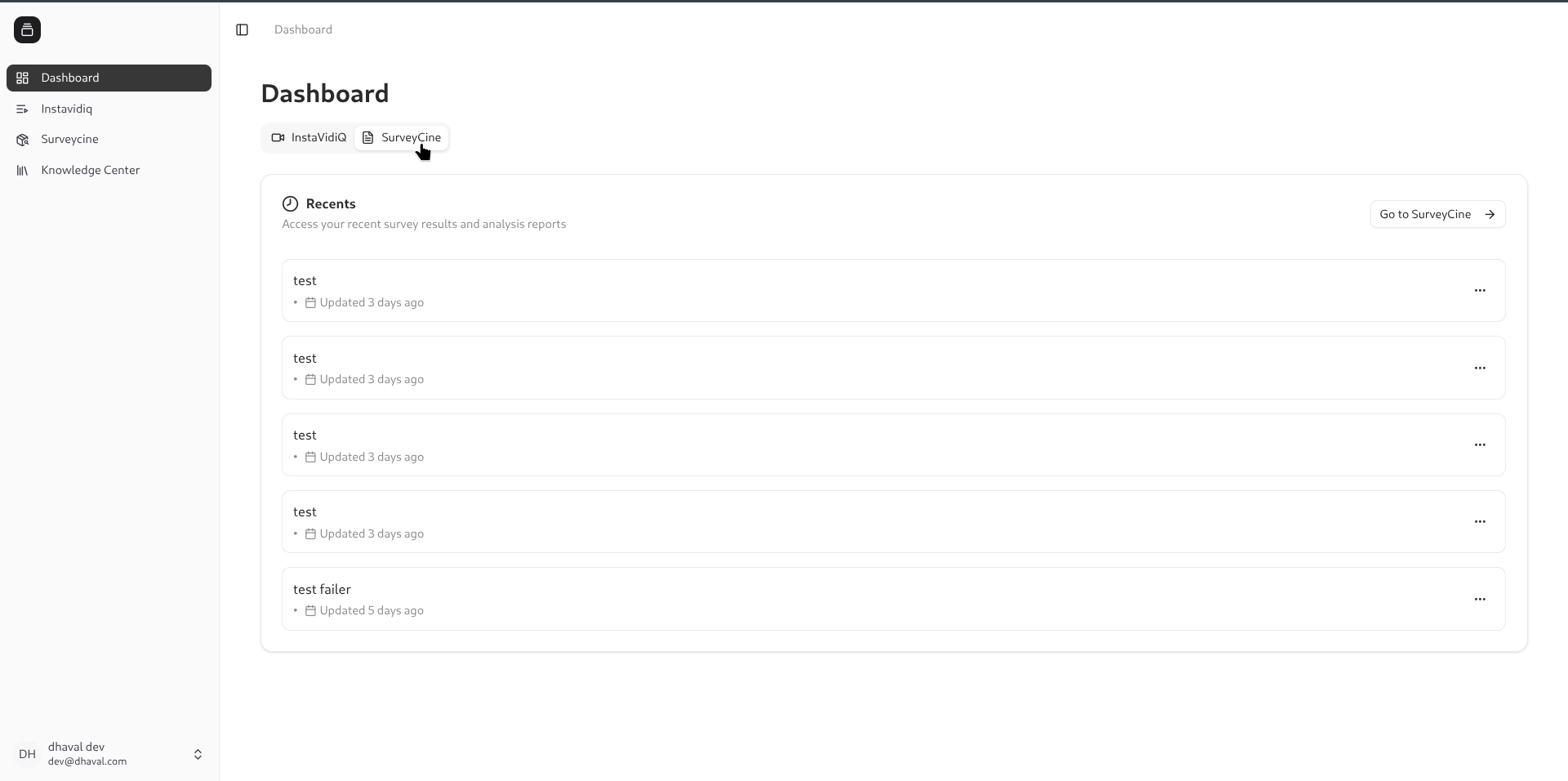
Sign in or create an account, then open SurveyCine from the product switcher. This is the entry point for research workflows and keeps access scoped to the right plan.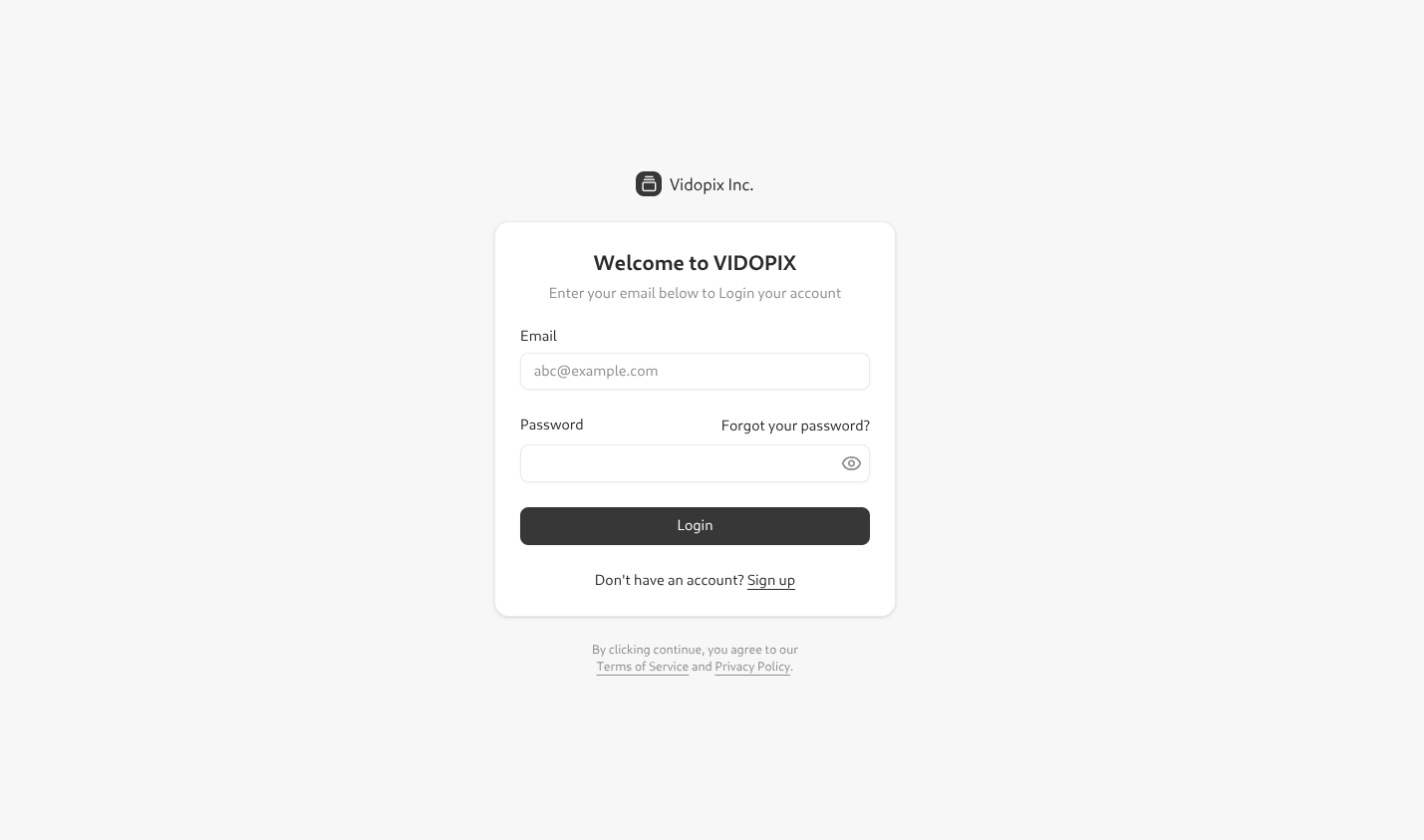
2. Build and manage surveys
The survey list keeps status, tags, and progress in one place. Teams add questions, set close dates, and prepare distribution while tracking draft and live programs.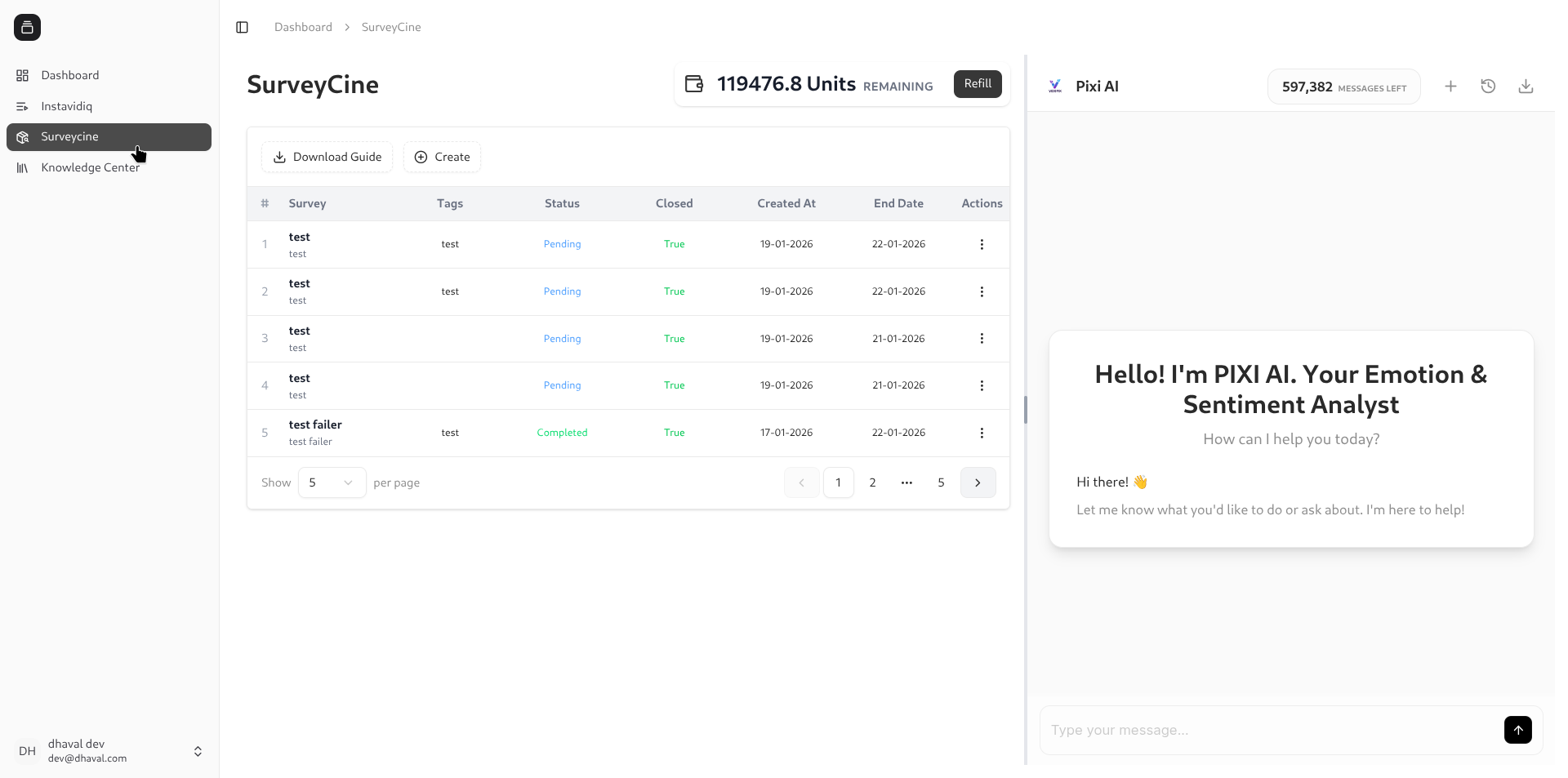
3. Share survey links
Publish the survey and share a secure link with respondents. This is the main handoff point to participants and can be reused across email or messaging channels.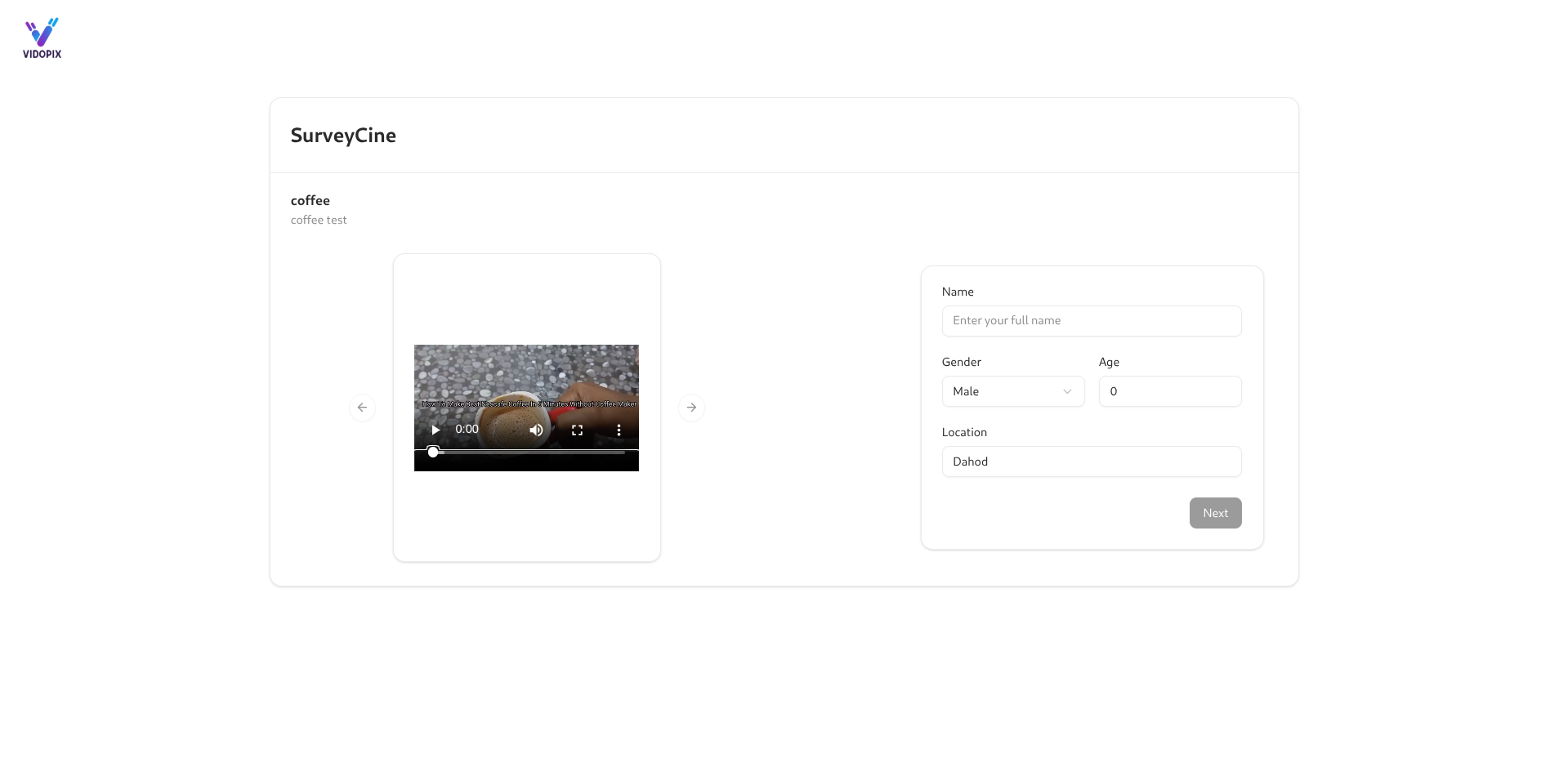
4. Collect video responses
Respondents record feedback directly in the browser, keeping the flow simple and mobile friendly. No app install is required, which reduces drop-off.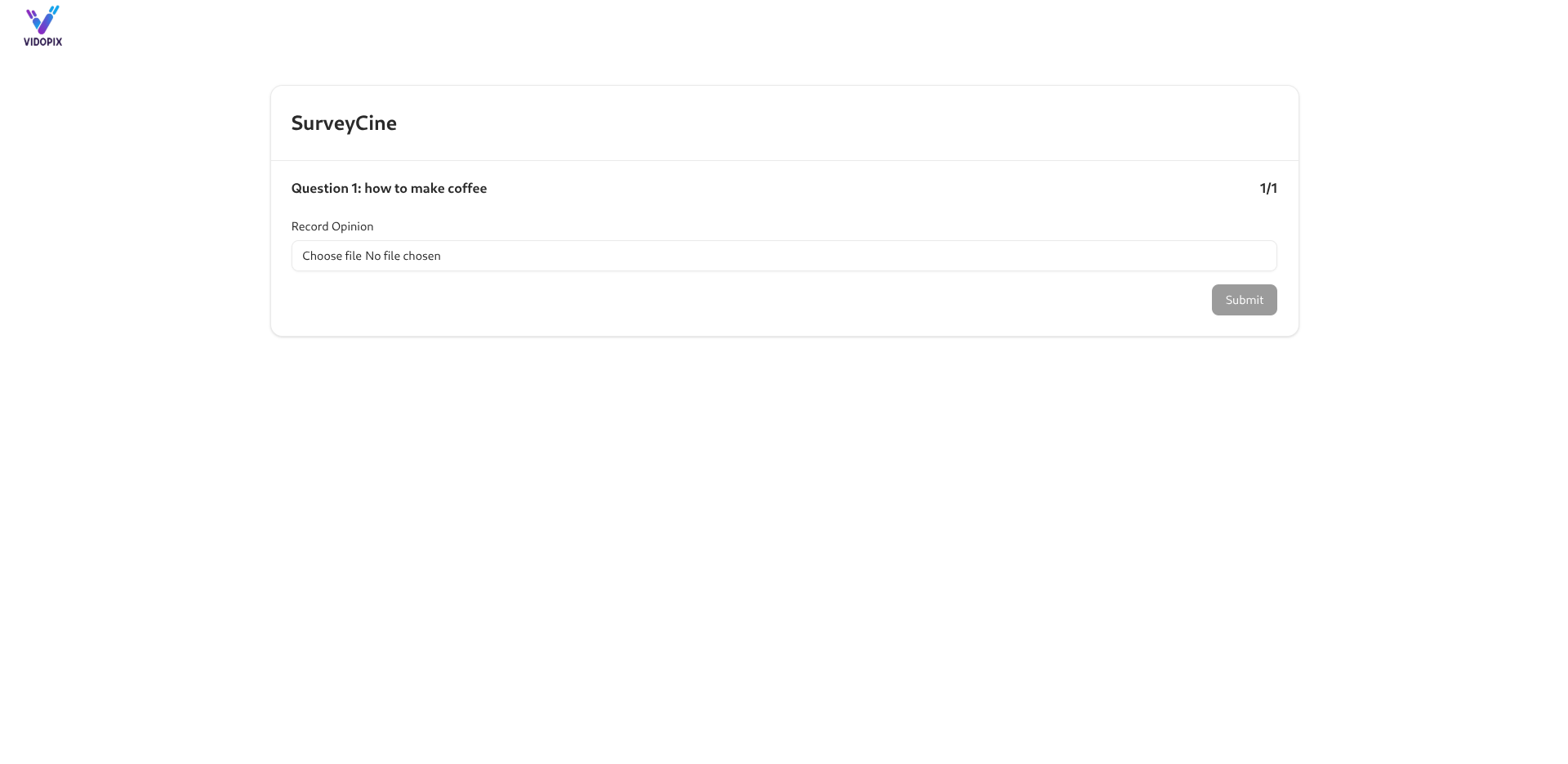
5. Review respondent insights
After responses are submitted, open the insights view to review emotion, sentiment, and question-level patterns. Use this screen to spot outliers and summarize key themes.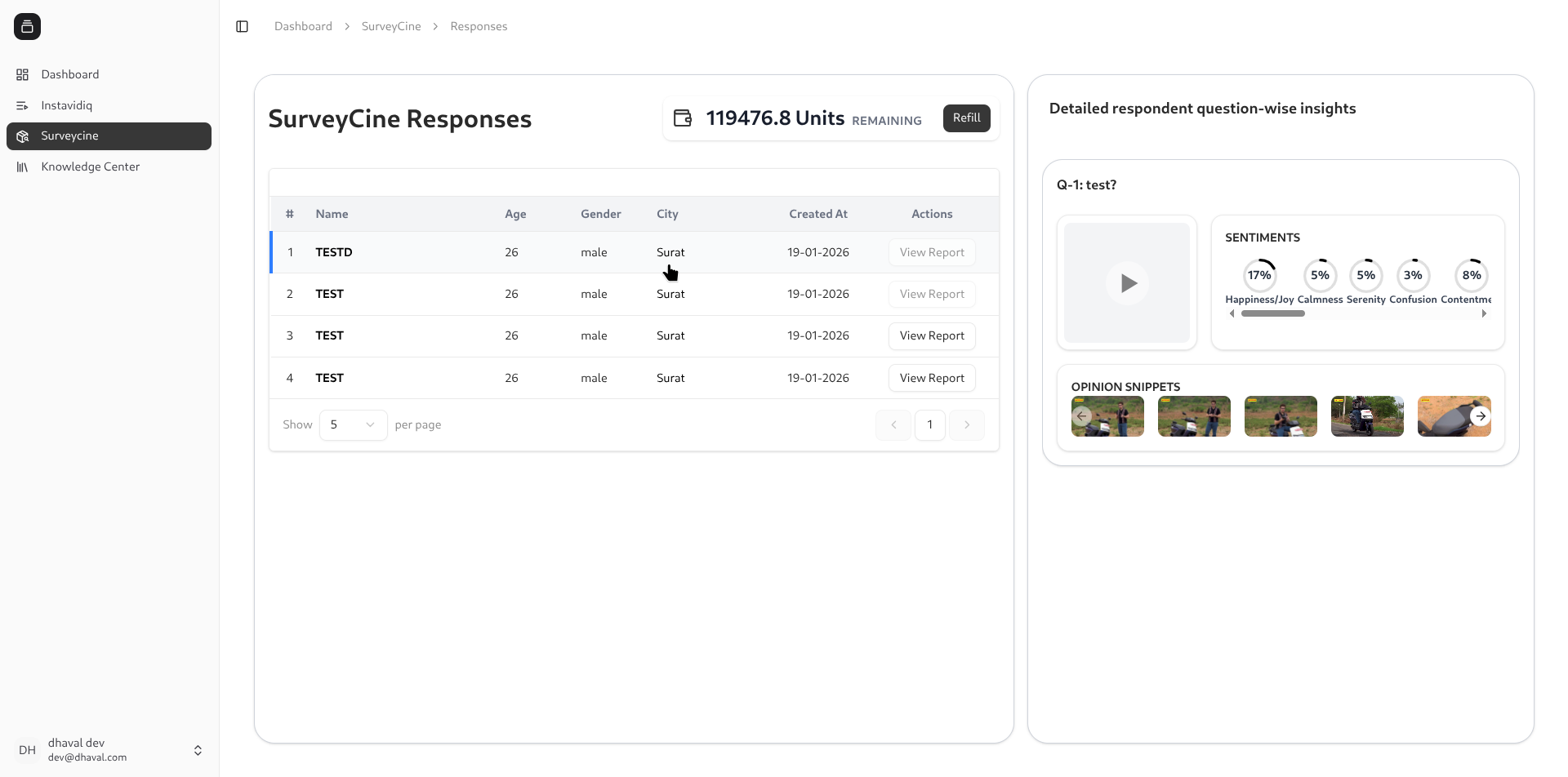
6. Ask Pixi across multiple responses
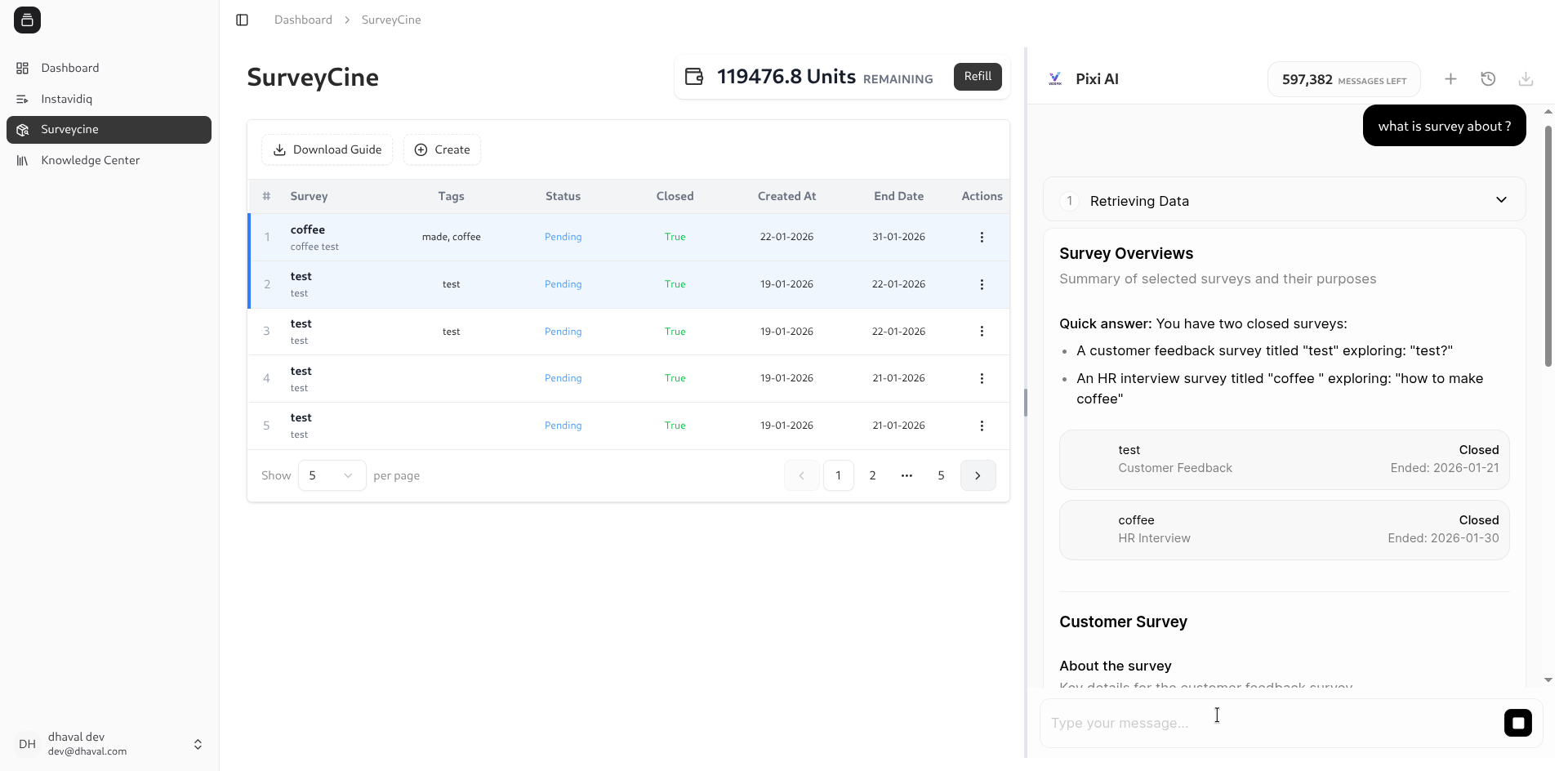
Open Ask Pixi, select multiple responses, and ask PIXI AI to summarize sentiment, compare themes, or surface outliers across the batch.